How to Use the Journal for Daily Reflection
Use daily prompts, mood tracking, and rich text entry to turn daily experiences into stored insights and memory consolidation.
How to Use the Journal in JeevanAxis
The Journal is where the day gets processed rather than just lived. A few minutes of writing — with a mood and, if you want, a guiding prompt — turns raw experience into something you can learn from. Over time it becomes a record of how you actually thought and felt, which is more useful than you would guess.
Operational Directive
Journaling is not about writing well; it is about thinking clearly. A messy, honest entry beats a polished, guarded one — the point is to get what is in your head onto the page where you can see it.
Section ProtocolWriting an entry
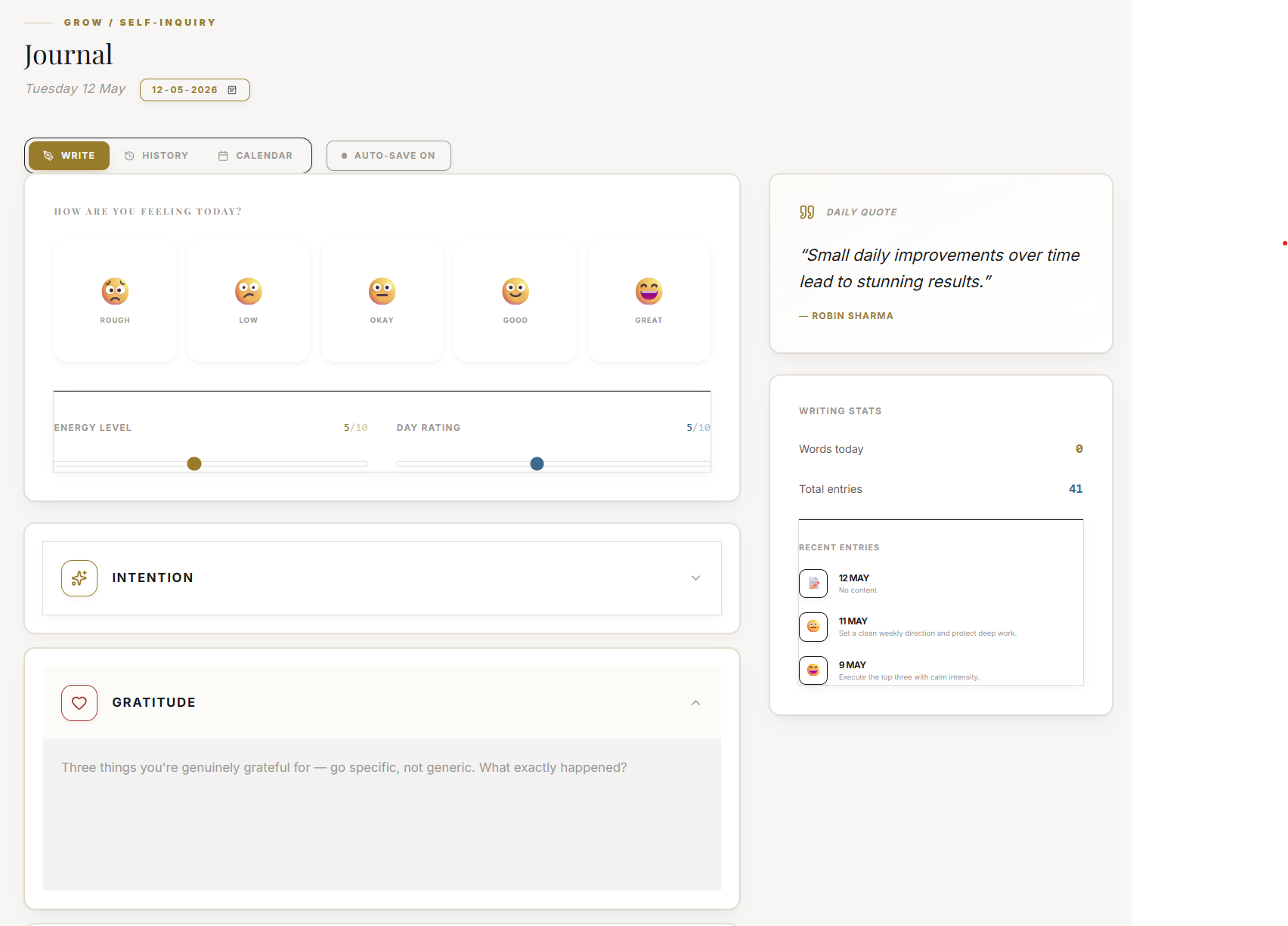
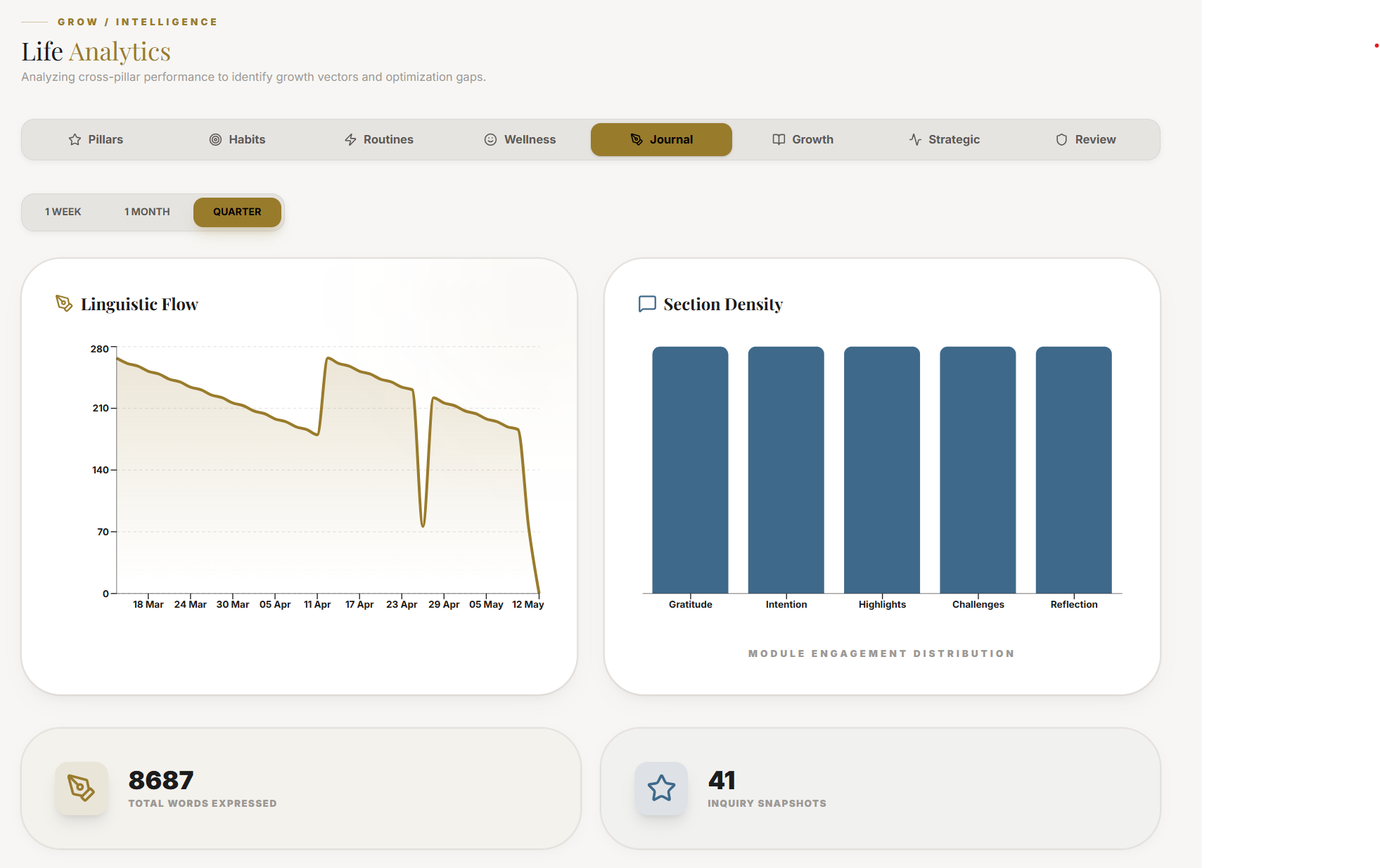
Log your mood, then write. The editor supports rich text, and context-aware prompts appear to give you a starting point when the page feels blank — which is most of the resistance to journaling. You do not need a theme or a conclusion; a few honest sentences about what happened, what you felt, or what you are chewing on is enough. The mood you log also feeds the wider picture of your days.
Section ProtocolWhy the prompts help
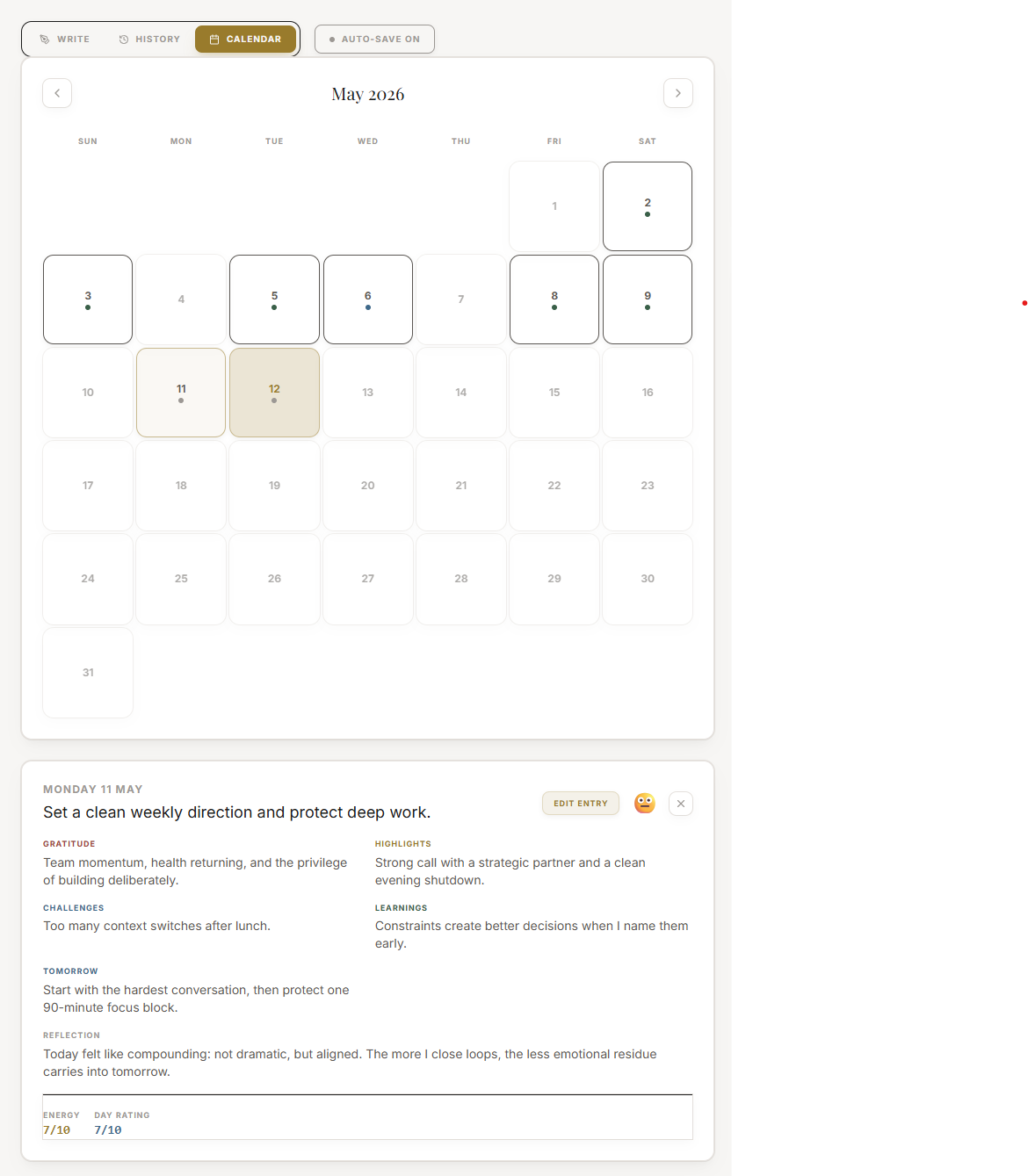
The hardest part of journaling is the first sentence. The dynamic prompts remove that friction by handing you a specific question tied to your current context, so you skip the "I do not know what to write" stall and get straight to the useful part. Use one when you are stuck; ignore it when you already have something to say.
⚠Common Traps
Section ProtocolWorked example
After a tense meeting, Ravi opens the Journal, logs his mood as low, and takes the prompt: "What is one thing you would do differently today?" Three honest sentences later he has named the real issue — he over-committed to avoid conflict — which he never would have seen just stewing about it. The entry took four minutes and turned a bad afternoon into a small lesson.
Reflection Prompts
Intelligence Pipeline
Connected Intelligence
Ready to Deploy Your Life OS?
Experience the full power of integrated intelligence. Stop managing apps and start operating your life.
Launch Command Center