The Grow Module Complete Guide: Optimize Your Biology and Behavior
A comprehensive guide to the internal operating system — tracking habits, routines, sleep, exercise, nutrition, and learning to generate your daily Vitality Score.
The Grow Module Complete Guide
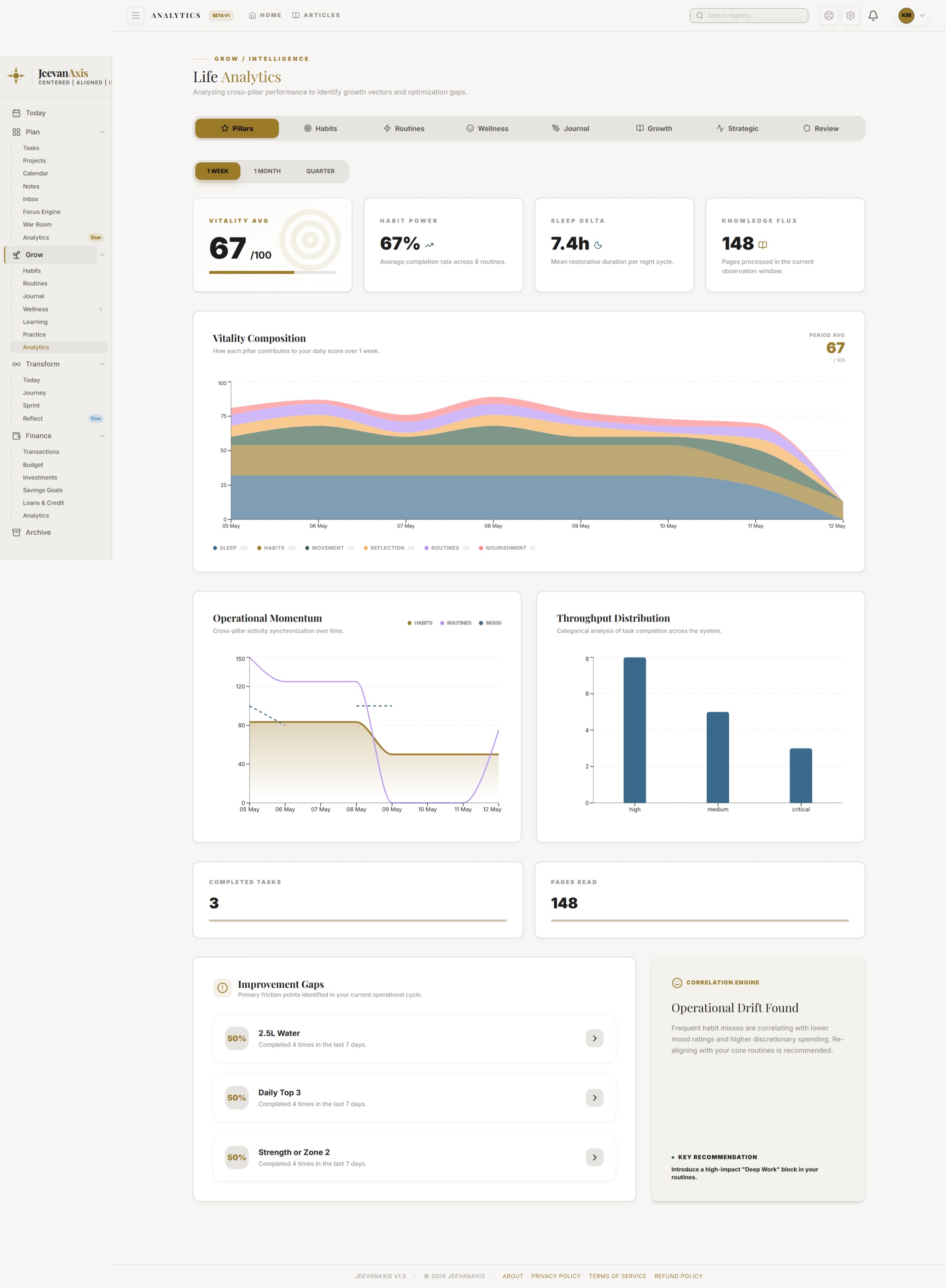
Grow is your internal operating system — the place where you tend the inputs that everything else depends on. Habits, routines, journaling, sleep, exercise, meals, body metrics, and learning all feed one number: your daily Vitality Score. It turns the scattered work of looking after yourself into a single, legible signal.
Operational Directive
The Vitality Score is a derived north-star, not a dial. You never set it directly — you improve the inputs, and it follows. Chase the behaviours, not the number.
Section ProtocolWhat Grow tracks
| Area | What you log | Why it matters |
|---|---|---|
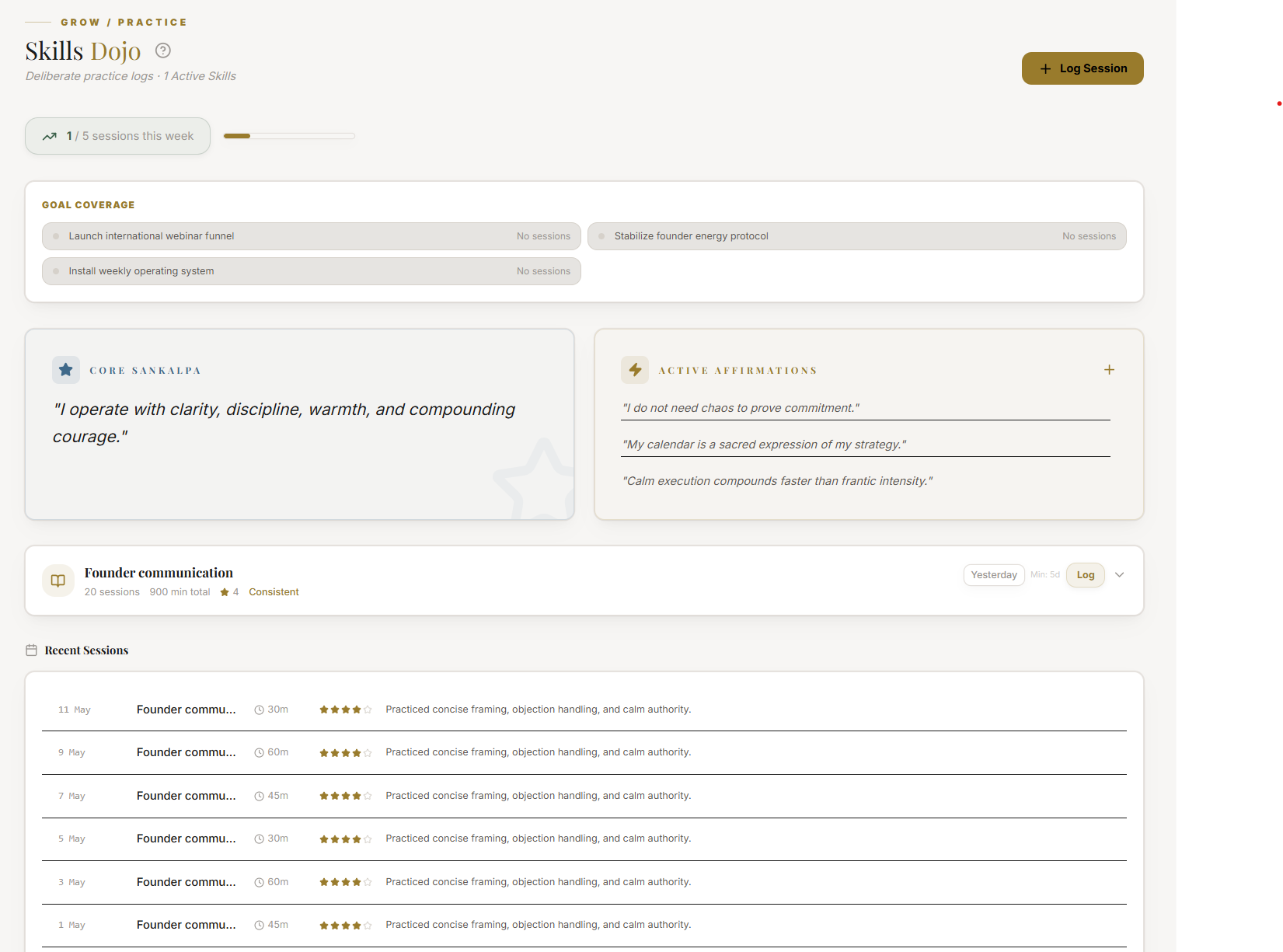
| Habits | Daily behaviours and streaks | The compounding core of change |
| Routines | Sequences of habits (morning, evening) | Automates good behaviour |
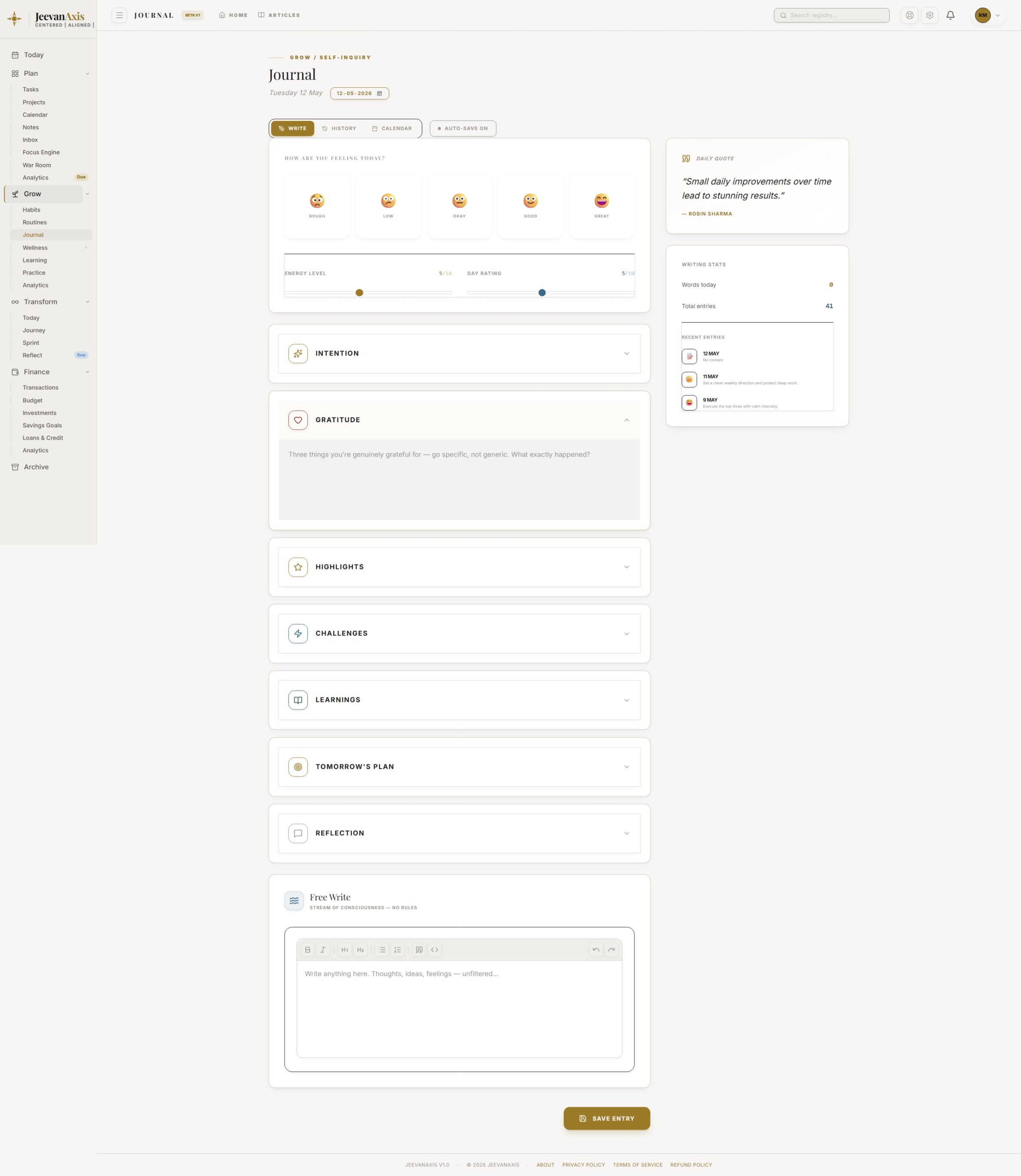
| Journal | Mood and reflection | Turns experience into insight |
| Wellness | Sleep, exercise, meals, body metrics | The physical base everything rests on |
| Learning | Books and courses — and what you applied | Knowledge only counts once used |
| Analytics | Trends and the Vitality Score | Shows what is actually compounding |
Section ProtocolHow the pieces work together
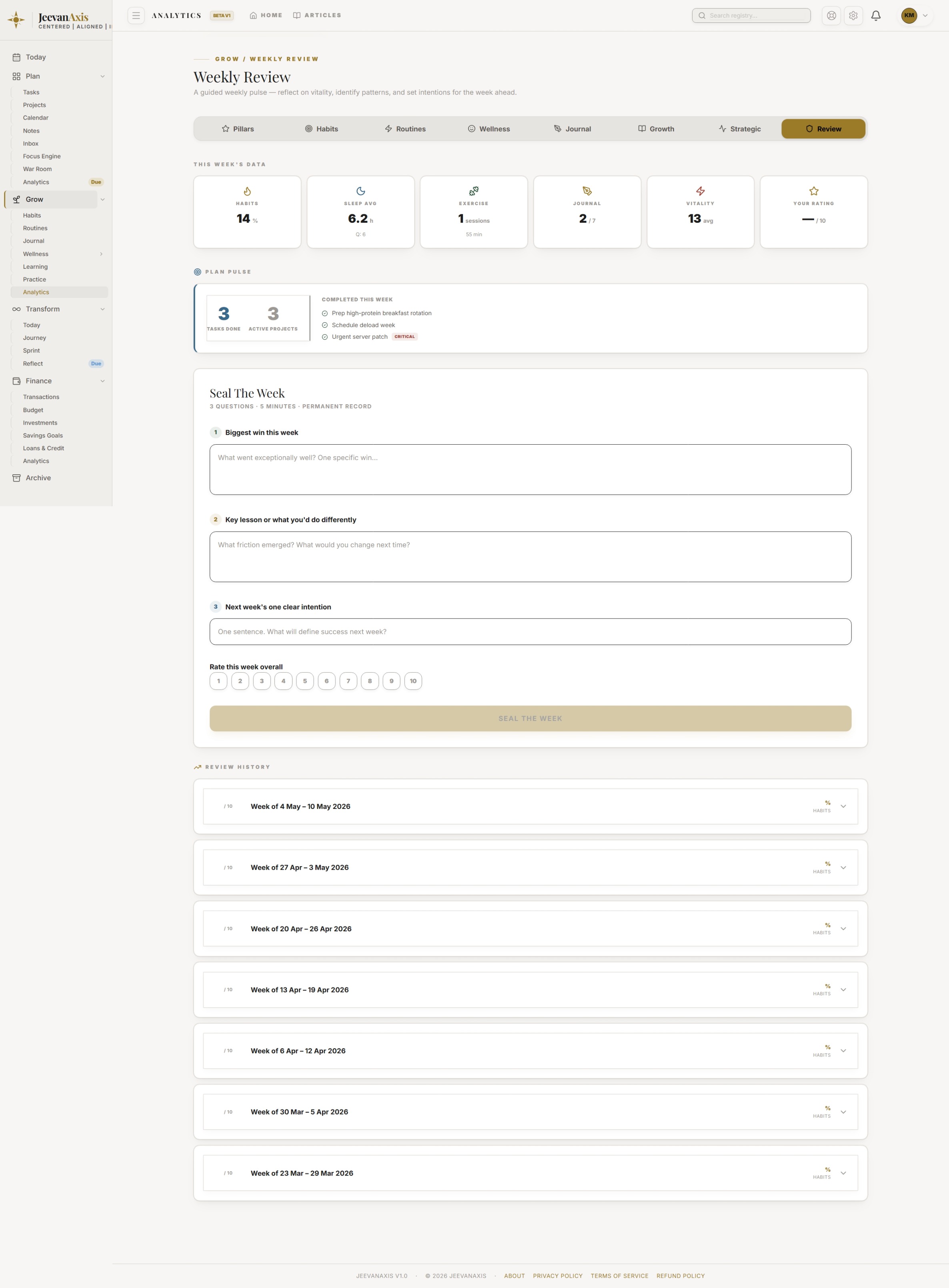
Log habits and routines each day; capture wellness and body metrics as they happen; journal when you have something to process; and record what you are learning. Grow rolls all of it into the Vitality Score and a set of trends, so instead of guessing whether you are looking after yourself, you can see it.
Two features are worth calling out. Anchor habits are the non-negotiables you mark as essential — when you hit a rough patch and the app enters recovery mode, these are the ones it keeps in front of you while everything else steps back. And learning "applied" is the most important action in the whole learning system: marking a book or course as applied, with a note on how, is what converts knowledge into behaviour.
Section ProtocolSleep is weighted heaviest
Of all the inputs, sleep carries the most weight in the Vitality Score — because it is the input that silently governs the others. If your score is dropping and you cannot see why, look at sleep first. The dashboard responds to sleep debt on purpose.
⚠Common Traps
Section ProtocolWorked example
Ravi keeps Grow deliberately small: two anchor habits (train, read), sleep, and a learning log. When a stressful fortnight hits and the app drops into recovery mode, it shows only his two anchors — so he holds the floor instead of collapsing entirely. He finishes a book on negotiation and marks it applied with a note: "used the anchoring tactic in the vendor call." His Vitality Score dips with the poor sleep of the hard weeks, then climbs as rest returns — an honest mirror, not a vanity meter.
Reflection Prompts
Intelligence Pipeline
Connected Intelligence
Ready to Deploy Your Life OS?
Experience the full power of integrated intelligence. Stop managing apps and start operating your life.
Launch Command Center