How to Manage Your Account and Data Export
Ensure data sovereignty by learning how to configure privacy modes and export your entire system via JSON.
How to Manage Your Account and Data
Your JeevanAxis data is yours — your habits, notes, journal, finances, and the record of who you have been becoming. Settings gives you the controls that matter for owning it responsibly: your profile, security, an export of everything, and the tools to reset or delete your account. Knowing these exist is part of trusting the app with something as personal as your life data.
Operational Directive
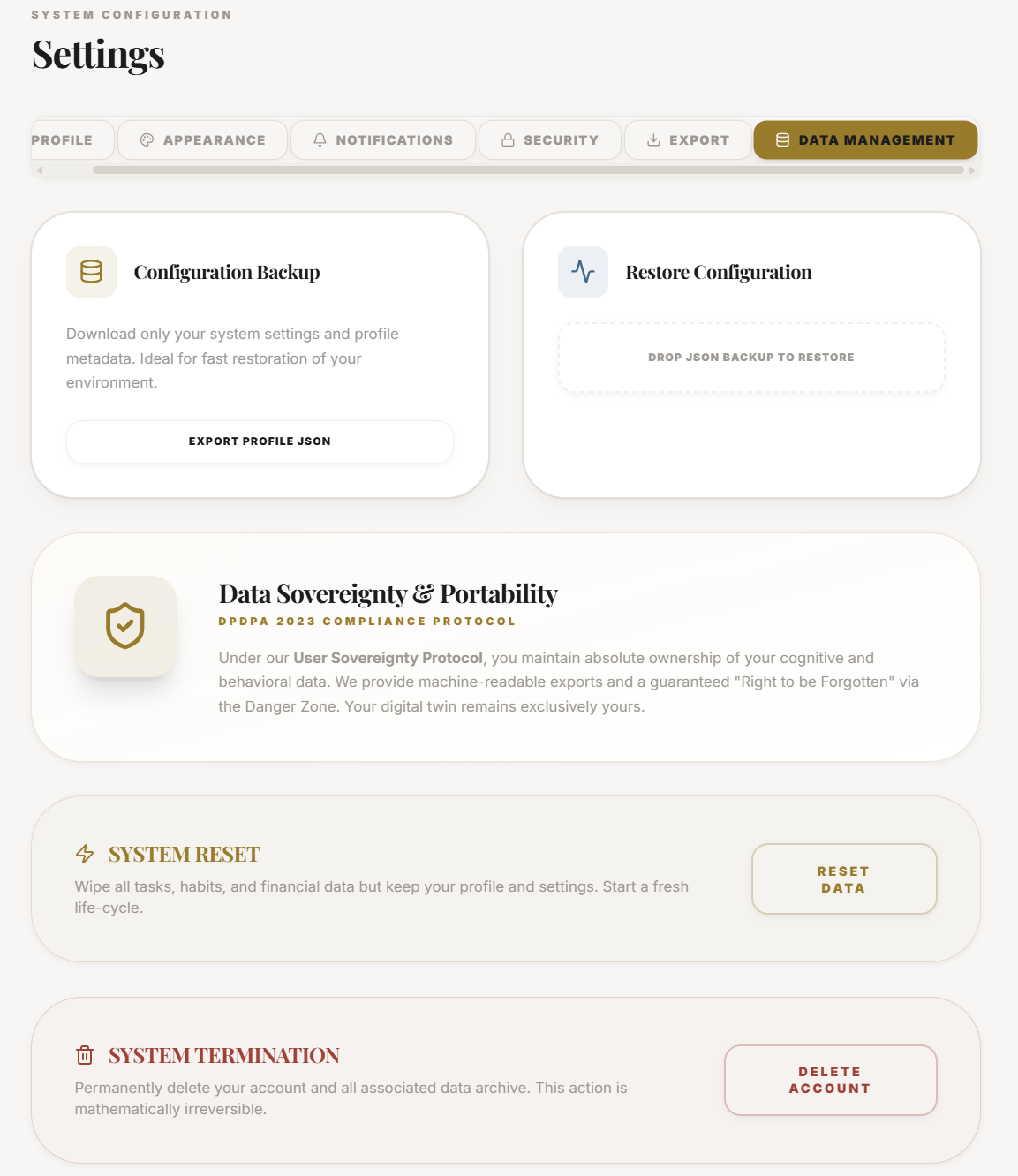
You own your data and can take it with you. An export is available whenever you want it, and the reset and delete controls do exactly what they say — so nothing here is a one-way trap.
Section ProtocolWhat the controls do
| Control | What it does | When to use it |
|---|---|---|
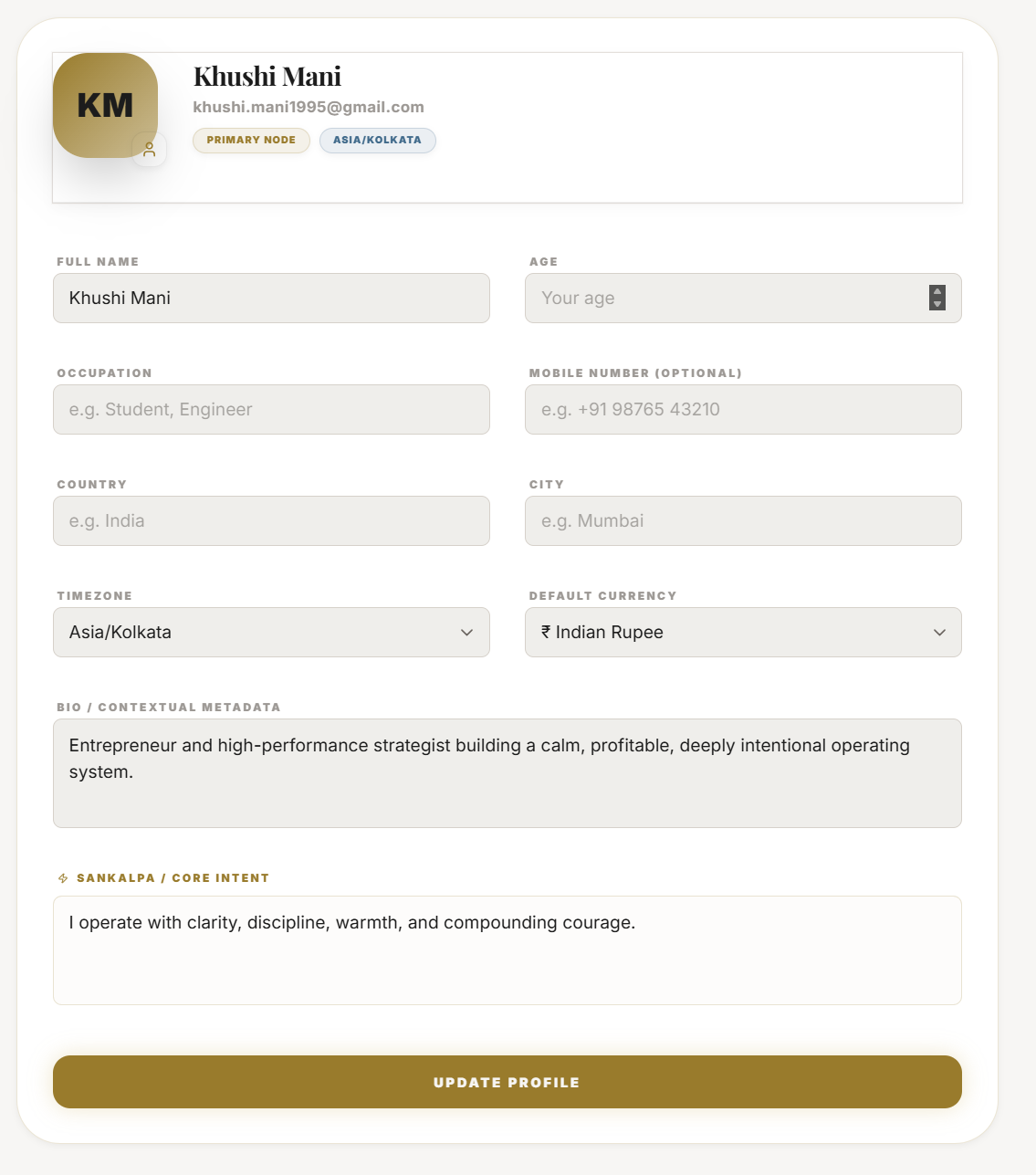
| Profile | Your name and basic details | Keep it current |
| Security | Password and account safety | Review periodically |
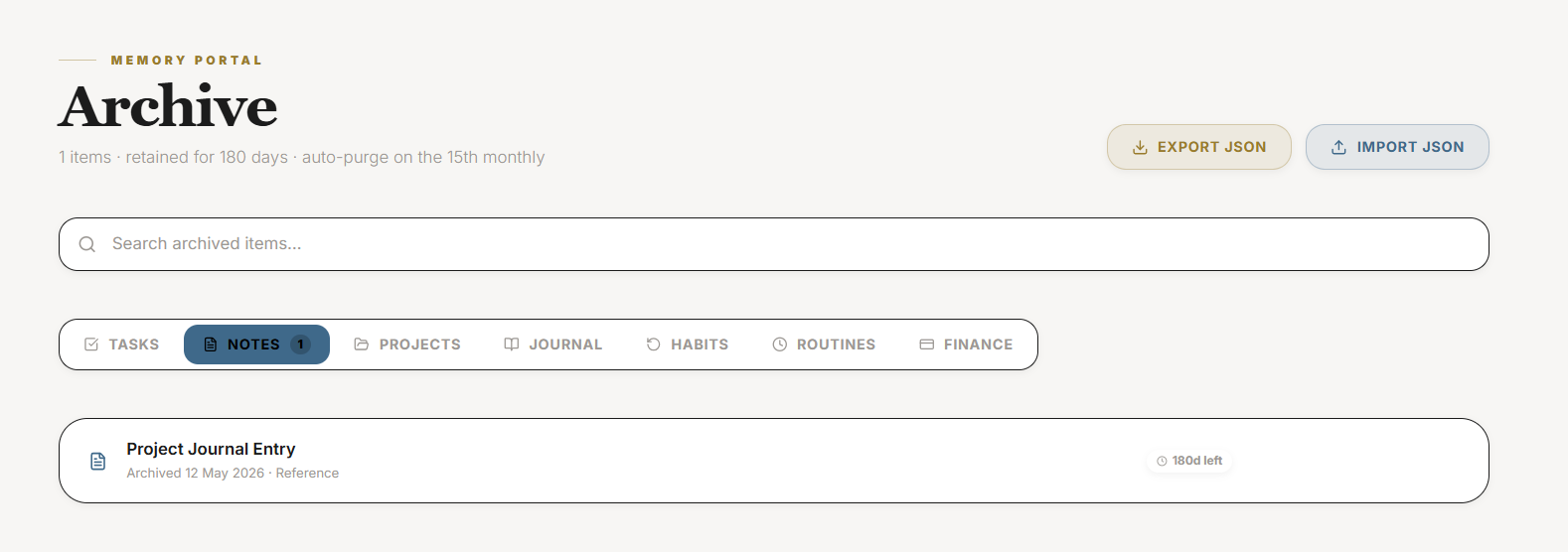
| Export | A full copy of your data | Backups and peace of mind |
| Reset | Clears data while keeping the account | A genuine fresh start |
| Delete account | Removes the account entirely | Leaving for good |
Section ProtocolUsing them wisely
Keep your profile and security current as ordinary hygiene. The export is worth running occasionally simply for peace of mind — a copy of your data in your own hands. The reset and delete controls are powerful and deliberate: reset wipes your data but keeps the account for a true fresh start, while delete removes everything. Both are meant to be used consciously, not stumbled into, which is why they live in their own section.
⚠Common Traps
Section ProtocolWorked example
Before a major life change, Ravi wants a clean slate but not a new account, so he runs a full export for safekeeping, then uses reset — clearing his old data while keeping his profile and settings. He read carefully to be sure he was choosing reset, not delete. Ten minutes later he has a fresh start and a saved copy of everything that came before, exactly as intended.
Reflection Prompts
Intelligence Pipeline
Connected Intelligence
Ready to Deploy Your Life OS?
Experience the full power of integrated intelligence. Stop managing apps and start operating your life.
Launch Command Center